Tizen OS Updates for Samsung Phones: Support, Features and Status
Introduction
A Tizen OS update may sound like a familiar routine: check for a new version, install it and get a refreshed Samsung phone. But Tizen’s role in Samsung’s phone lineup is different from Android’s. The key question is not which feature comes next, but whether a particular Tizen phone still has an active update path.
Tizen powered a limited range of Samsung smartphones, but it is not the operating system on the company’s current mainstream phones. Those run Android-based software, with One UI shaping the experience. This distinction matters: update instructions, eligibility and feature claims for Android phones do not automatically apply to Tizen handsets. A Tizen OS update follows a separate process from Samsung’s current phone software.
For owners, the outlook is cautious. There is no general, ongoing Tizen phone update programme like the regular release cycle for current smartphone platforms. Support can vary by device and market, so a universal list of supported phones or upgrade dates would be misleading.
Device and platform analysis
Tizen and Android are separate platforms, not successive versions of the same system. A Tizen phone cannot be treated as an Android phone waiting for a different software package. The operating system, app environment and update channels are distinct. A Tizen OS update cannot be installed using instructions intended for Android.
That makes the term “supported Tizen devices” less straightforward than it sounds. It might refer to phones originally sold with Tizen, devices that can still receive a maintenance release, or products in other categories that use Tizen. These groups should not be treated as one list.
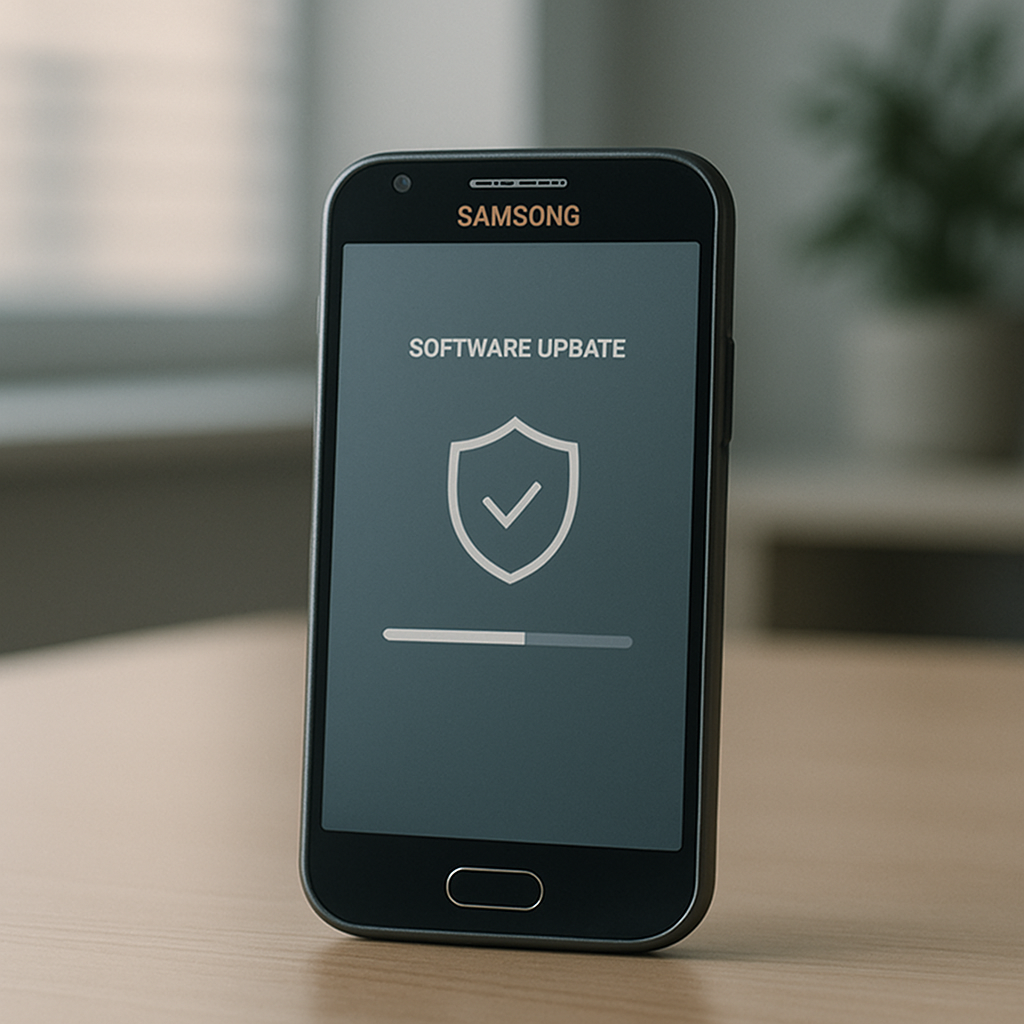
For phone owners, the relevant information is specific to the handset. System information identifies the installed software, while the built-in update screen can show whether the device can reach an update service and whether a package is available. If the check finds nothing, that alone does not show whether support has ended, the rollout is unavailable in that region or the phone is already current for its channel. Check this official route before assuming a Tizen OS update is available.
Firmware version numbers can also cause confusion. The firmware versions identify the installed software, but do not confirm that a newer build exists or that the phone can upgrade to a later operating system. Tizen phones may differ in hardware, distribution history and regional software, so their update status can vary.
Current Samsung phones are different. Samsung phone software on Android-based models receives updates through its own eligibility and distribution systems. Their version labels and One UI features are not evidence of a Tizen upgrade. Instructions written for a newer Android phone may send Tizen owners down the wrong path.
Tizen’s continued use in other Samsung products does not establish support for Tizen phones. Each product category has its own hardware, interfaces and update programmes. Owners should confirm the product type before following advice or interpreting a support notice.
Key factors
First, eligibility depends on the specific model. The operating system name alone cannot determine whether a device is supported. Without a confirmed model and region, claims that all Tizen phones are supported—or that every one is permanently excluded—go beyond what can be said in general.
Second, operating-system upgrades differ from maintenance releases. An upgrade changes the platform or adds substantial capabilities; a maintenance package may improve reliability or security without changing the headline version. Not every downloadable package brings a visibly different interface, and update features depend on what the official release includes. A Tizen OS update may be a maintenance release rather than a major upgrade.
Security patches are a separate concern. Software maintenance can include important protections, but their availability depends on an active release path for the particular device. An old phone may still work without receiving current security patches, and a successful manual check does not prove that support is ongoing. Whether a Tizen OS update includes security fixes must be confirmed for the specific model.
Third, the sales channel matters. Region, carrier and distribution arrangements can affect when—or whether—a package appears. Check the device itself and consult support information for its exact model instead of relying on a report about another handset. A Tizen OS update offered in one market may not be available through another channel.
Fourth, consider where the software comes from. A file on an unofficial forum or third-party download page is not the same as an update delivered through the phone’s own service. An unverified package can cause compatibility problems or make the device unusable. A download is not legitimate just because its label says Tizen and shows a newer version number.
Finally, set expectations according to the platform’s age and position. Tizen phone updates are a legacy-support issue, not part of a live race with the latest Android release. What matters is whether an official package applies to a specific device—not whether it can gain features designed for another system. Owners should treat each Tizen OS update as device-specific.
Update scenario
Suppose a Tizen phone owner opens the settings menu and checks for updates. First, they should note the exact model and installed firmware version, then use the device’s official update function. If a compatible package appears, follow the on-screen instructions. This is the safest way to install a Tizen OS update.
If no update appears, the result means only that no package is being offered through that check at that moment. It does not establish a universal end date for every Tizen device or mean that another device or region will have the same result. Confirmation depends on the specific model. A Tizen OS update may not be offered to every device.
If the phone says it is up to date, that means it is current within the update channel available to that device. It does not necessarily mean the phone has the latest security patches or Tizen release. These are separate questions, and the device’s support status needs to be clear before owners can answer them confidently.
If official support information is unavailable or unclear, no further phone update may be offered. That does not turn an old build into a newer one, nor does it make Android firmware compatible. An Android package cannot replace a Tizen OS update simply because both devices carry the Samsung name.
Anyone choosing a phone today should check the support policy for the exact Android-based model they are considering, rather than use Tizen’s legacy phone history as a guide. Existing Tizen owners should establish their handset’s status, avoid unofficial firmware and understand the limits of its software support.
Conclusion
There is no single answer to the Tizen OS update question for every device, but the broader picture is clear. Tizen is not the platform behind Samsung’s current mainstream phones, and owners should not expect a regular stream of phone updates comparable to modern Android support.
Check the exact model, installed firmware and official update screen. Treat security patches and feature upgrades as separate matters, and do not confuse Tizen products in other categories with Tizen smartphones. This is the clearest way to find out whether an official update is available for the device in hand.